
YT1s - Free YouTube to MP3 Converter
YouTube to MP3 Converter is an online conversion tool designed for users who wish to convert supported YouTube video links into MP3 audio files. Instead of keeping the entire video file, MP3 conversion allows you to access the audio separately, which can be useful for compatible music players and other supported devices. The process is straightforward: copy the video URL, paste it into the converter box, and select the available audio option.
YT1s is designed to be accessed via compatible browsers on desktops, mobile devices, and all other platforms. The availability of conversions, audio quality, and supported links may vary. Always check for copyright permissions and applicable platform rules before downloading or converting audio from online videos.
Benefits of Using YouTube MP3 Converter

Easy to use Interface
This simple layout lets users enter video URLs, choose the desired output format, and start the conversion without complex settings.

Simple MP3 Conversion
Convert supported video links into MP3 audio. The process is extremely simple, making it very easy to select and download the available audio files.

Quick Conversion Process
Copy the video link, paste it into the URL search box, and select one of the available audio options. This way, the conversion process will begin with very little effort.

Support for Multiple Devices
Depending on browser and device capabilities, this YouTube converter can be used on compatible smartphones, tablets, laptops, and desktop computers.

Online Access
Use YouTube MP3 via a compatible web browser, without needing to install any separate conversion application.

Audio Focused Listening
MP3 files can be useful when you want to listen solely to audio content without having an accompanying video file.
How to Use an Online YouTube to MP3 Converter?
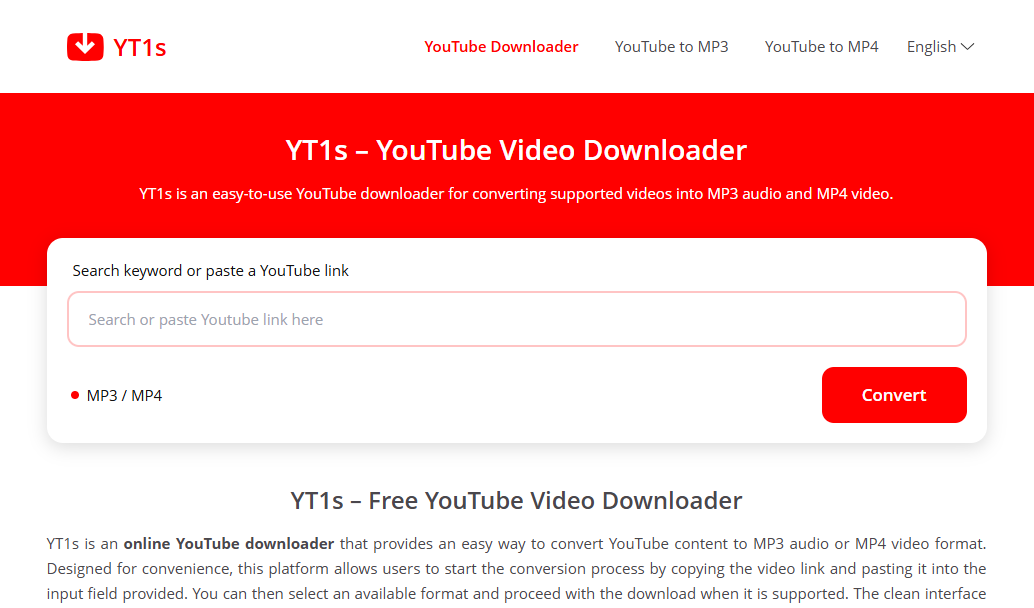
Copy the link
Go to YouTube, copy the URL of the video you want to convert into audio, and paste that link into the search box.
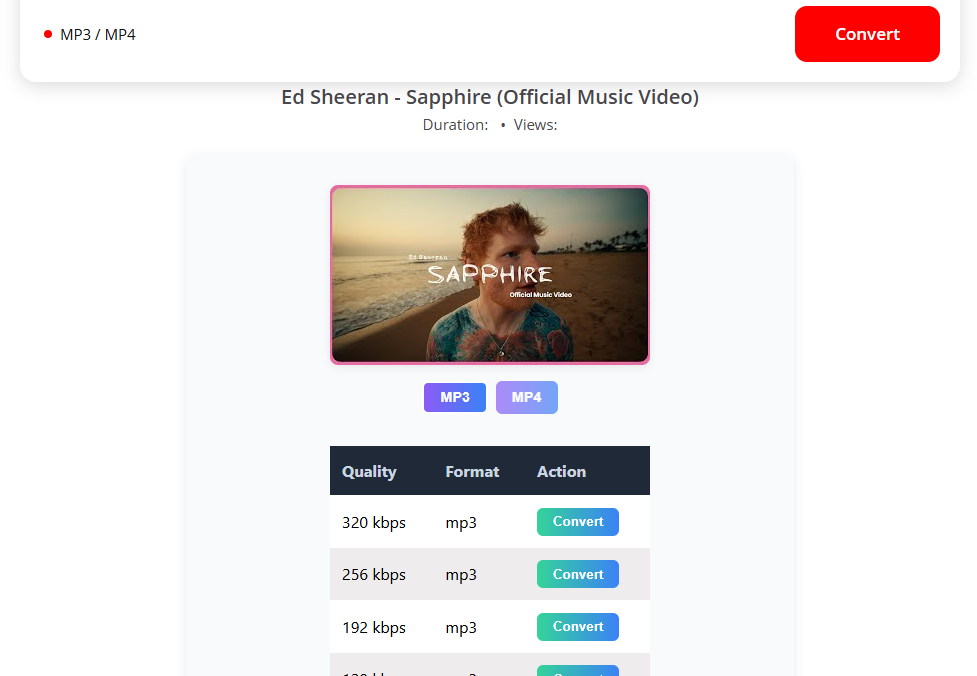
Select Quality
Choose your preferred quality from the quality options provided in the YouTube to MP3.
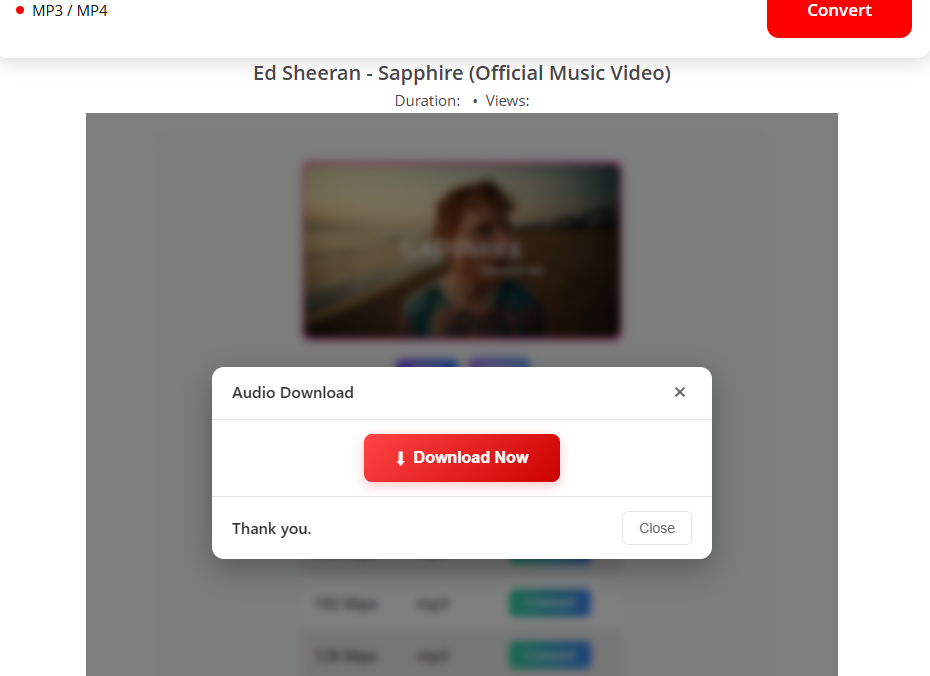
Download
Finally, click the 'Download' button to save the audio file to your device.
Why choose the YT1s MP3 converter for audio downloads?
YT1s YouTube MP3 offers a simple way to access audio conversion options through a browser-based interface. Its design helps users avoid unnecessary steps when processing supported video links. Instead of dealing with the entire video file, you can select the MP3 option where available to obtain an audio file compatible with various media players and devices.
The YouTube to MP3 conversion is particularly useful for those who prefer audio formats for spoken-word content, educational resources, and other material that is permitted to be saved. The process is straightforward, even for users with limited experience in file conversion. For the best results, ensure you use a valid URL, review the available output options, and download only content that you own or are authorized to use.
Frequently Asked Questions
Conclusion
YouTube to MP3 Converter offers a straightforward workflow for users who wish to process video links and download the resulting MP3 audio files. Its browser-based design simplifies the conversion process on compatible devices, while a dedicated MP3 page helps users focus on the audio content rather than the video files. Whether you are looking for YT1s YouTube to MP3 or simply a convenient YouTube MP3 converter, this platform provides an easy entry point for audio conversion. Copy your link, paste the URL, select the MP3 option when available, and follow the download instructions to complete the process.