
YT1s - Free YouTube to MP4 Converter
The YouTube to MP4 Converter is an online video downloader tool designed to provide MP4 download options for supported video links. MP4 is a widely supported video format that works across many compatible smartphones, tablets, computers, and media players. Using this converter is simple: copy the URL of the desired video, paste it into the input box, and select the available MP4 option. The website aims to make the process straightforward, without complex settings or unnecessary steps. Supported links, output resolutions, and conversion options may vary depending on the service and the source video. Before downloading, ensure that you have the necessary rights or authorization to use the content.
Benefits of Using YT1s YouTube to MP4

Simple Video Conversion
Process video URLs through a straightforward workflow designed to make selecting and downloading available MP4 files easy.

Widely Compatible MP4 Format
YouTube MP4 files play on many popular media players and devices, making this format convenient for video playback across various platforms.

Easy-to-use Interface
This clear interface helps you enter the video URL, check available output options, and follow the conversion process without any complex settings.

Browser-based Access
Use the YT1s YouTube to MP4 Converter via a compatible web browser, without needing to install any separate desktop conversion application.

Support for Multiple Devices
Use this website on compatible smartphones, tablets, laptops, and desktop computers, taking into account device capabilities and browser support.

Convenient Download Process
Complete the basic process in three steps: copy the link to a supported video, paste the URL, and download the file once it becomes available.
How to use an online YouTube to MP4 Converter?
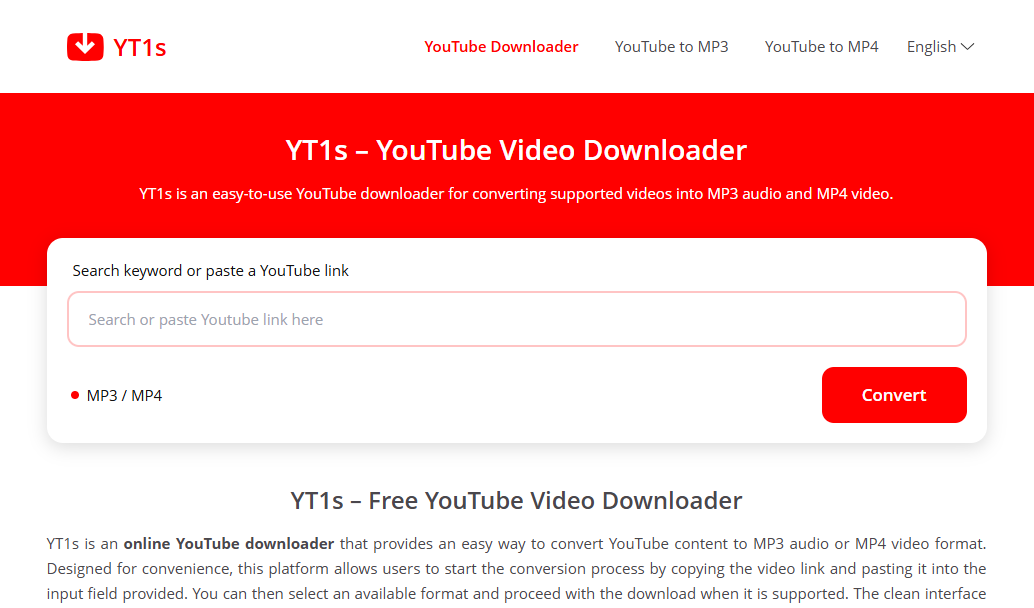
Copy the link
Go to YouTube, copy the link to the video you want, open the YT1s converter website, and paste the link into its search box.
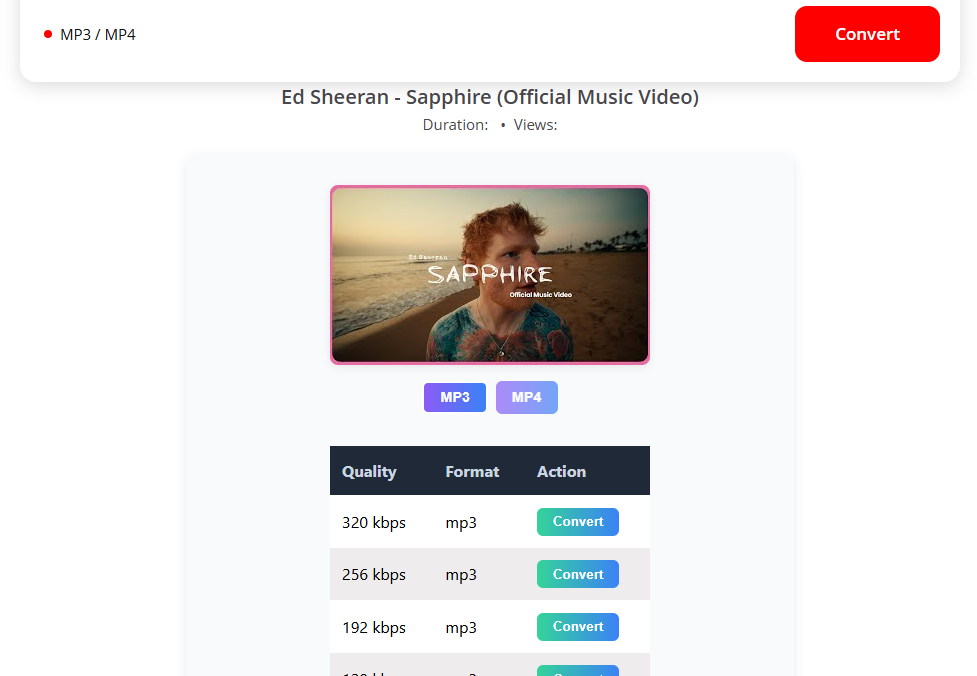
Select quality
Choose MP4 and select the desired video quality from the available options.
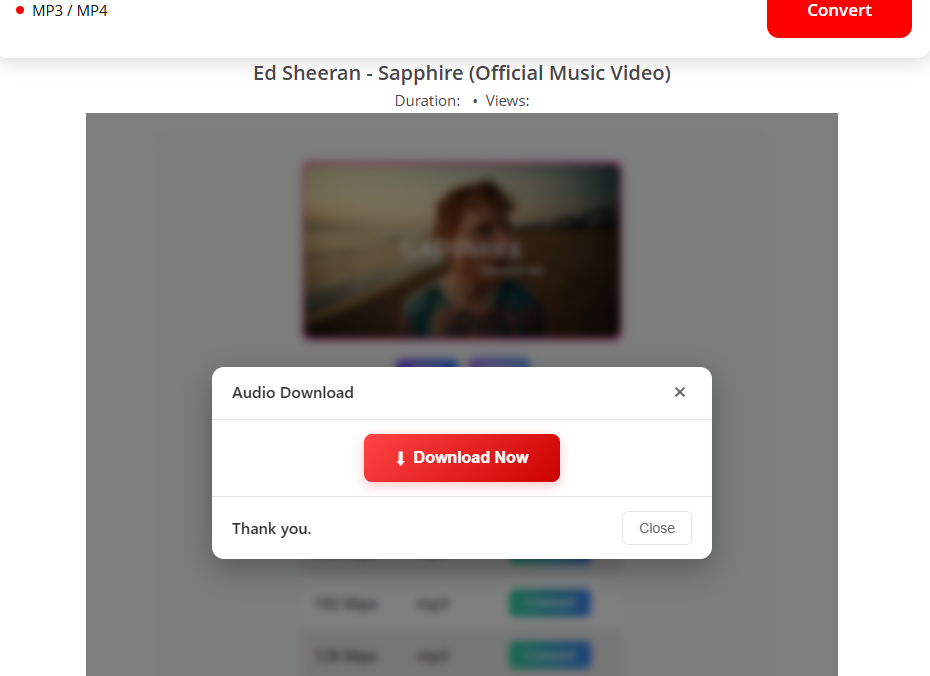
Download
Click the 'Download' button to save the MP4 file to your computer or phone.
Why choose a YouTube MP4 downloader?
The YouTube MP4 converter is designed to simplify the process of accessing various video conversion options. Its straightforward interface allows users to submit a supported URL, select an output format, and follow download instructions—all without needing to navigate complex settings. The YouTube MP4 format is well-suited for many everyday video playback needs, as it is supported by a wide range of compatible devices and media players.
Whether you wish to revisit a tutorial, study permitted educational material, or save your own videos for offline playback, the YT1s MP4 page serves as a centralized starting point. You can access the website in a compatible browser without installing separate conversion software. For the best experience, ensure you use a valid link, review the available video options, and download only content that you own or are authorized to save.
Frequently Asked Questions (FAQs)
Conclusion
YouTube to MP4 provides a straightforward way to explore MP4 conversion options for supported video links. Its simple interface, clear three-step workflow, and browser-based access are designed to make the conversion process easy to follow. Whether you are using a compatible computer, smartphone, or tablet, you can submit a video URL, review the available format options, and download the resulting file when supported. YouTube MP4 is a practical format for playback across many devices, although available resolutions and compatibility can vary. For the best experience, use valid links, check the output options, and ensure that your downloads comply with copyright requirements and applicable platform policies.